

Workspace
Each Centaur user account is associated with a specific workspace, which serves as the hub for all projects and tasks. To view or contribute to any project or task, a user must be a member of the corresponding workspace.
Workspace Permissions
Access to features within a workspace is determined by user roles. Each role—Customer, Consultant, Labeler —comes with a defined set of permissions. Learn more about role-based permissions here.
Joining a New Workspace
Joining a new workspace is easy. If you've received an invite link, simply click the link to be added automatically—there’s no need to leave your existing workspace or sign up with a new email address.
Switching Between Workspaces
Centaur supports multi-workspace access. If your account belongs to more than one workspace, you can seamlessly switch between them using the Workspace Switcher in the portal.
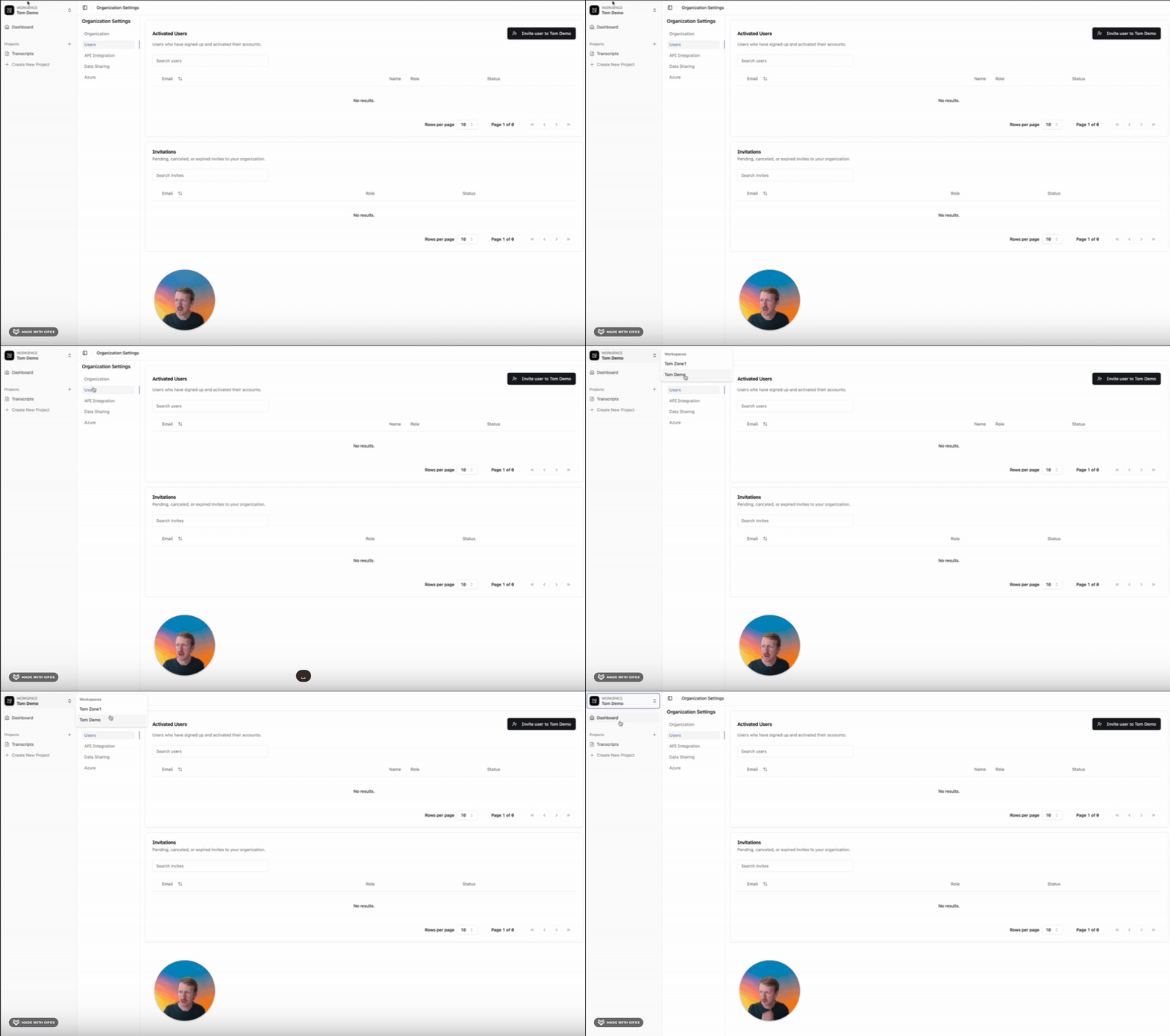
You do not need to sign out or create a new profile to access a different organization—just toggle between them instantly.
Labeling Across Workspaces
If you’re working across multiple workspaces, make sure you're in the correct workspace before attempting to view or label a task. Tasks are only visible within the workspace they were created in.
Updated about 1 year ago